
Get Started
CaseWizard Documentation
CaseWizard helps legal teams manage cases, calendars, billable time, documents, and firm administration from a single workspace. Use this site to learn workflows, connect integrations, and follow product updates.
Start here
Get started
Go from sign-in to your first case, calendar event, or time entry.
What's new
Stay up to date with the latest CaseWizard improvements on staging.
Sign in
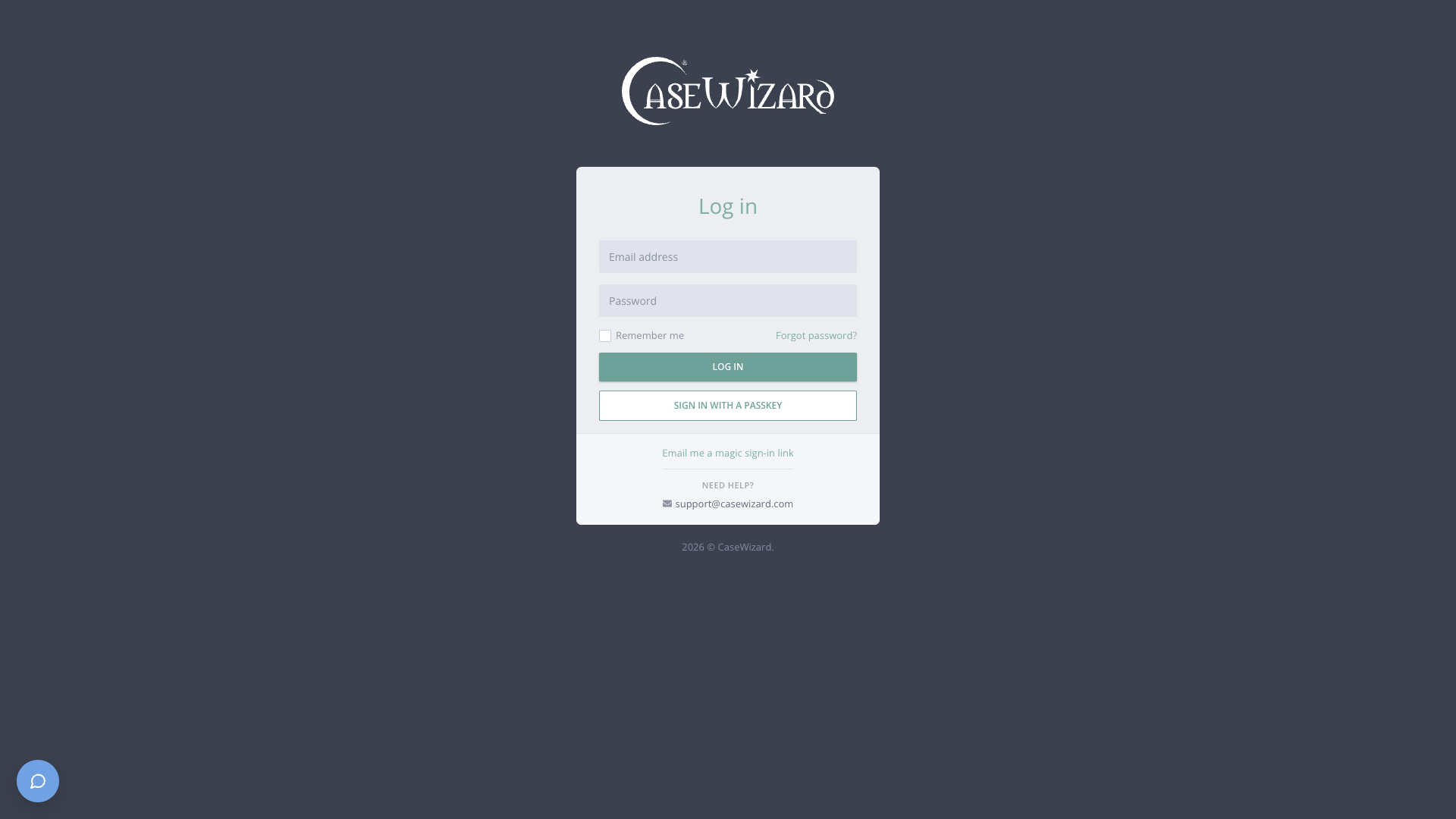
Use your firm email, passkeys, or magic links to access CaseWizard.
What you can do with CaseWizard
Manage cases
Search matters, track status, and keep case details current.
Track deadlines
View hearings, appointments, and firm calendar events in one place.
Capture billable time
Record time entries and manage billing workflows for your firm.
Organize documents
Upload, file, and share documents connected to your matters.
Administer your firm
Manage users, permissions, and firm-wide settings.
Connect integrations
Link Microsoft, SharePoint, and Egnyte to your document workflow.
More resources
Open CaseWizard
Sign in to the staging app.
API reference
Explore REST endpoints and schemas for developers.
Help
FAQ, troubleshooting, and support contact.
Support
Email support@casewizard.com for account help.
This documentation tracks the staging release at staging.casewizard.com. Pages update automatically when new builds ship.